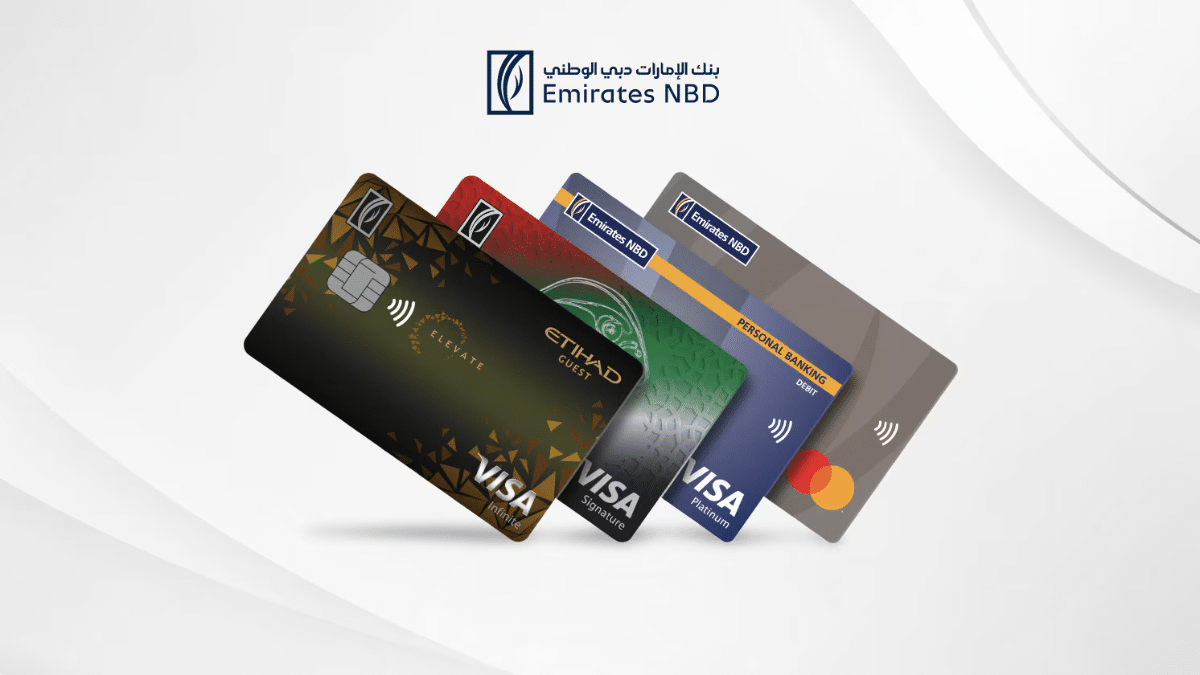
If you’ve received a new Emirates NBD debit, credit, or prepaid card, you’ll need to activate it before use. Emirates NBD offers multiple convenient methods to activate your card—whether you prefer using your mobile phone, visiting an ATM, or going online.
Here’s a step-by-step guide to help you activate your card using the method that suits you best.
1. Activate via Mobile Banking (ENBD X App)
Requirements: Registered for Mobile Banking and Smart Pass
Through Products:
- Log in to the ENBD X mobile app
- On the home screen, select the card or account, then tap the card image > Activate
- Enter the expiry date on the card and tap Next
- Set and confirm a new card PIN, then tap Submit
- Enter your Smart Pass PIN
A success screen will confirm your card has been activated.
Through Services:
- Log in to ENBD X
- Tap the ☰ menu at the bottom
- Go to: Apply for New Service > Prepaid/Debit/Credit Cards > Activate Prepaid/Debit/Credit Cards or search “activate”
- Select your card > Enter expiry date > Set PIN > Enter Smart Pass PIN
2. Activate via Online Banking
Requirements: Registered for Mobile Banking and Smart Pass
Through Products:
- Log in to ENBD Online Banking
- Go to your card or account > Tap the card image > Activate
- Enter expiry date > Set and confirm PIN
- Authorize via ENBD app (Slide to Confirm)
- Enter Smart Pass PIN
Card will be activated after confirmation.
Through Services:
- Log in to Online Banking
- Click ☰ on the navigation menu
- Go to: Apply for New Service > Prepaid/Debit/Credit Cards > Activate or search “activate”
- Select card > Enter expiry date > Set PIN > Enter Smart Pass PIN
3. Activate via ATM
- Visit the nearest Emirates NBD ATM
- Insert your inactive card
- You will be prompted with: “Card is inactive, do you want to activate it?” > Select Activate Card
- An OTP will be sent to your registered mobile number
- Enter the OTP and select Activate Card
- Set a new 4-digit PIN
Card will be activated instantly.
4. Activate via CDM (Cash Deposit Machine)
- Visit the nearest Emirates NBD CDM
- Insert your inactive card
- Select Activate Card when prompted
- Receive an OTP on your registered mobile number
- Enter the OTP > Set a new 4-digit PIN
Card will be activated instantly.
5. Activate via SMS Banking
- Send ACT to 4459 from your registered mobile number
- You’ll receive a callback from +971 4 316 0505
- Answer the call and follow the voice instructions
Your card will be activated instantly.
Conclusion
Activating your Emirates NBD card is quick and simple. Whether you prefer using your mobile app, online portal, ATM, CDM, or SMS, Emirates NBD offers multiple options to get your card ready for use. Be sure to have your registered mobile number active and your card details ready to complete the process smoothly.
For more details, visit the official Emirates NBD website.