Four Convenient Methods to Review Your Emirates NBD Transaction History
Managing your finances becomes much easier when you have a clear view of all your transactions. Emirates NBD offers multiple convenient methods for its customers to check their transaction history. Here’s a step-by-step guide on how you can review your transaction records using various platforms provided by Emirates NBD.
1. Mobile Banking with ENBD X App:
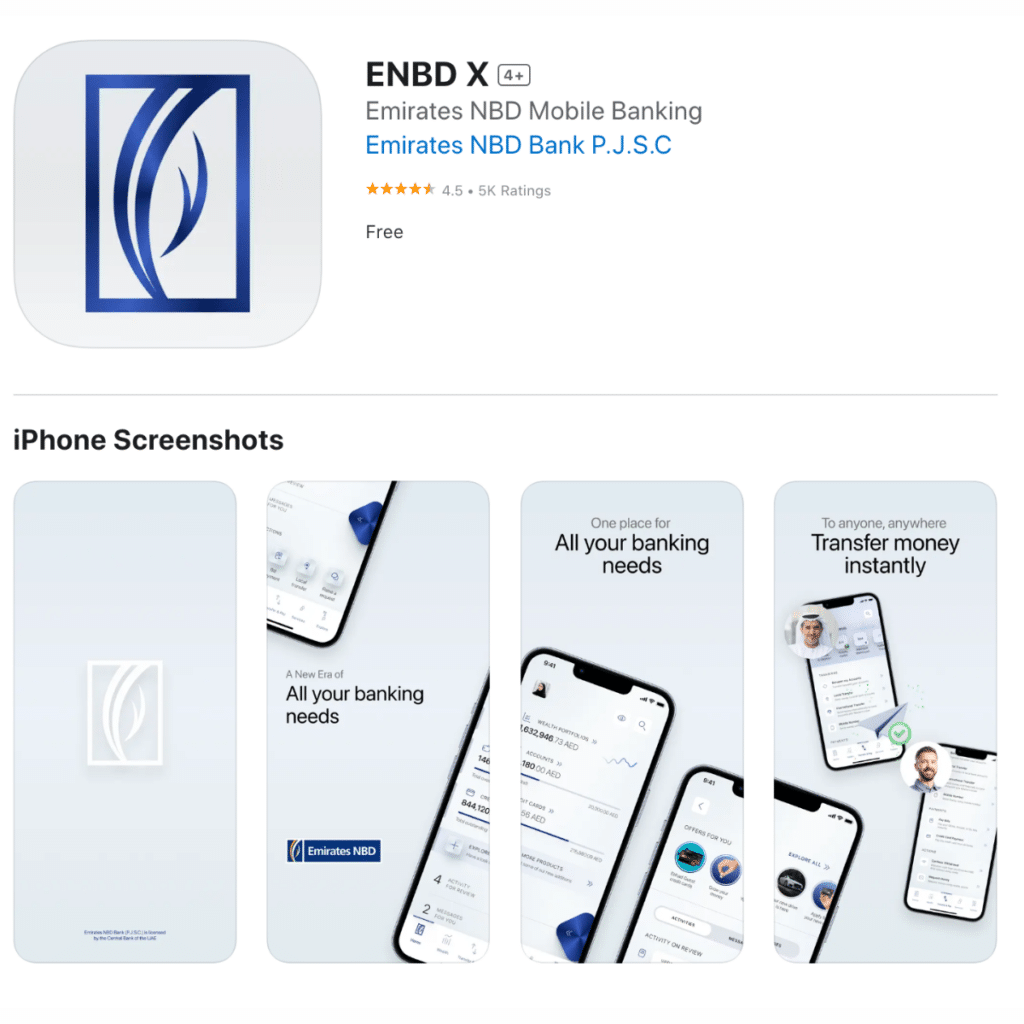
- Download the ENBD X mobile application available on the Apple App Store, Google Play, or the Huawei App Gallery.
- Log in to your Mobile Banking account.
- Scroll down on the home screen to see the last five transactions. For an extensive list, tap on ‘View All’. This option displays all transactions related to your accounts and cards.
With the mobile banking feature, you can view transactions from the past two years, with batches of 50 transactions displayed at once.
2. Online Banking via ENBD X Portal:
- Visit the ENBD X Online Banking Portal.
- Log in to your Online Banking account.
- On the main screen, scroll to find your recent five transactions or select “View All” to view an extended list of transactions.
The online portal also lets you see up to two years of transaction history, showing 50 transactions at a time.
3. WhatsApp Banking:

- Start by sending a “Hi” on WhatsApp to +971 600 540000.
- Click on “Explore services”.
- Choose “Account inquiries” and then tap “Send”.
- Select “My account details” for account-related services.
- Choose “Account Transactions” and confirm with “Send”.
- From the provided list, select your account.
- You’ll see the latest five transactions immediately. For a more detailed history, pick from options like “Last three months” and “Last six months”, or use “Custom dates” to filter transactions between specific dates. You’ll need to input the start and end date in the DD-MM-YYYY format for the latter.
After this process, a password-protected PDF statement will be shared in the chat. The password consists of the first four letters of your name (in uppercase) followed by the last seven digits of your registered mobile number. For instance, for a user named ‘Ahmed’ with the number 050-1234567, the password would be “AHME1234567”.
4. ATM Services:
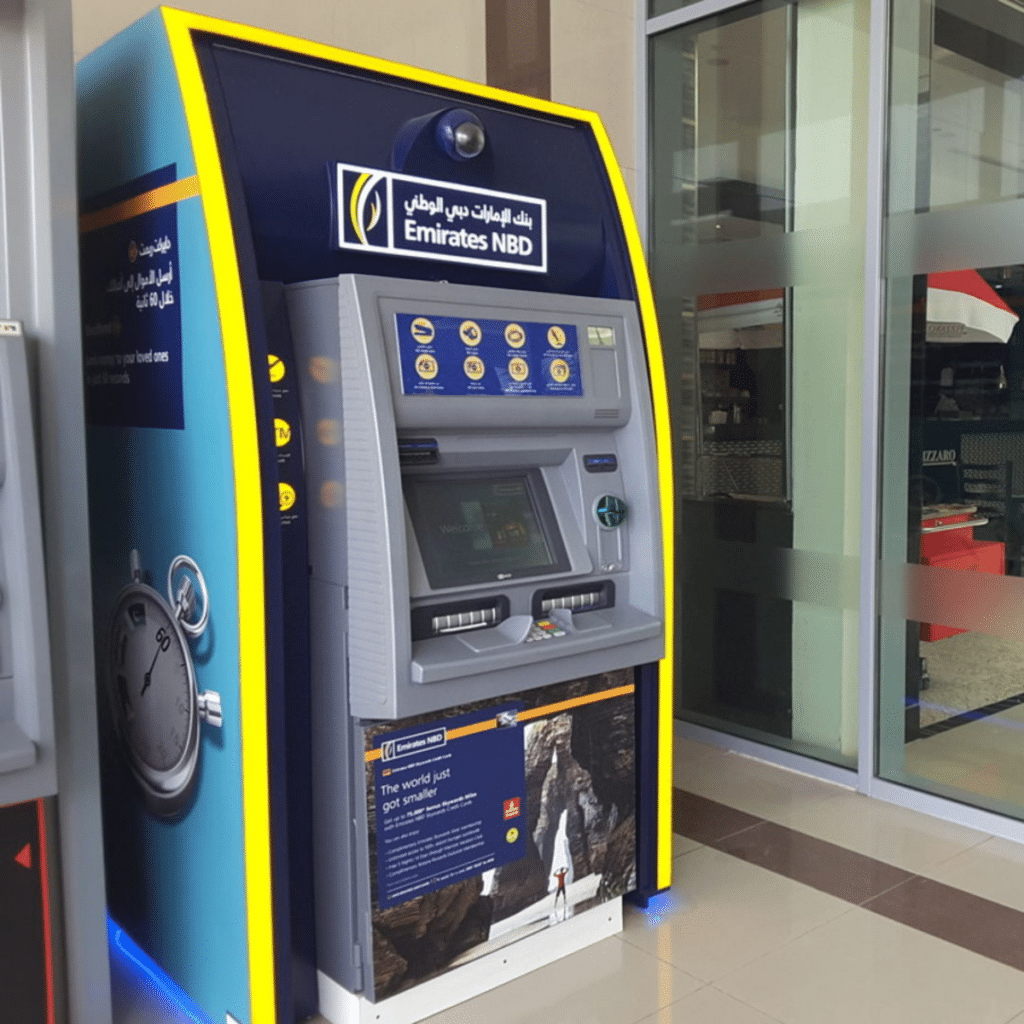
- Go to the nearest Emirates NBD ATM.
- Insert your card, choose your preferred language, and enter your PIN.
- Go to “Request” and then select “Mini statement“.
- Pick your account type and then the specific account.
Through the ATM service, you can promptly view your last ten transactions.
In Summary,
Emirates NBD offers various user-friendly platforms to ensure you always have a clear view of your financial transactions. Whether you prefer mobile apps, online portals, WhatsApp banking, or traditional ATM services, Emirates NBD has got you covered. Regularly checking your transaction history is a good financial habit, helping you manage and track your expenditures effectively.
Recommended for You: