

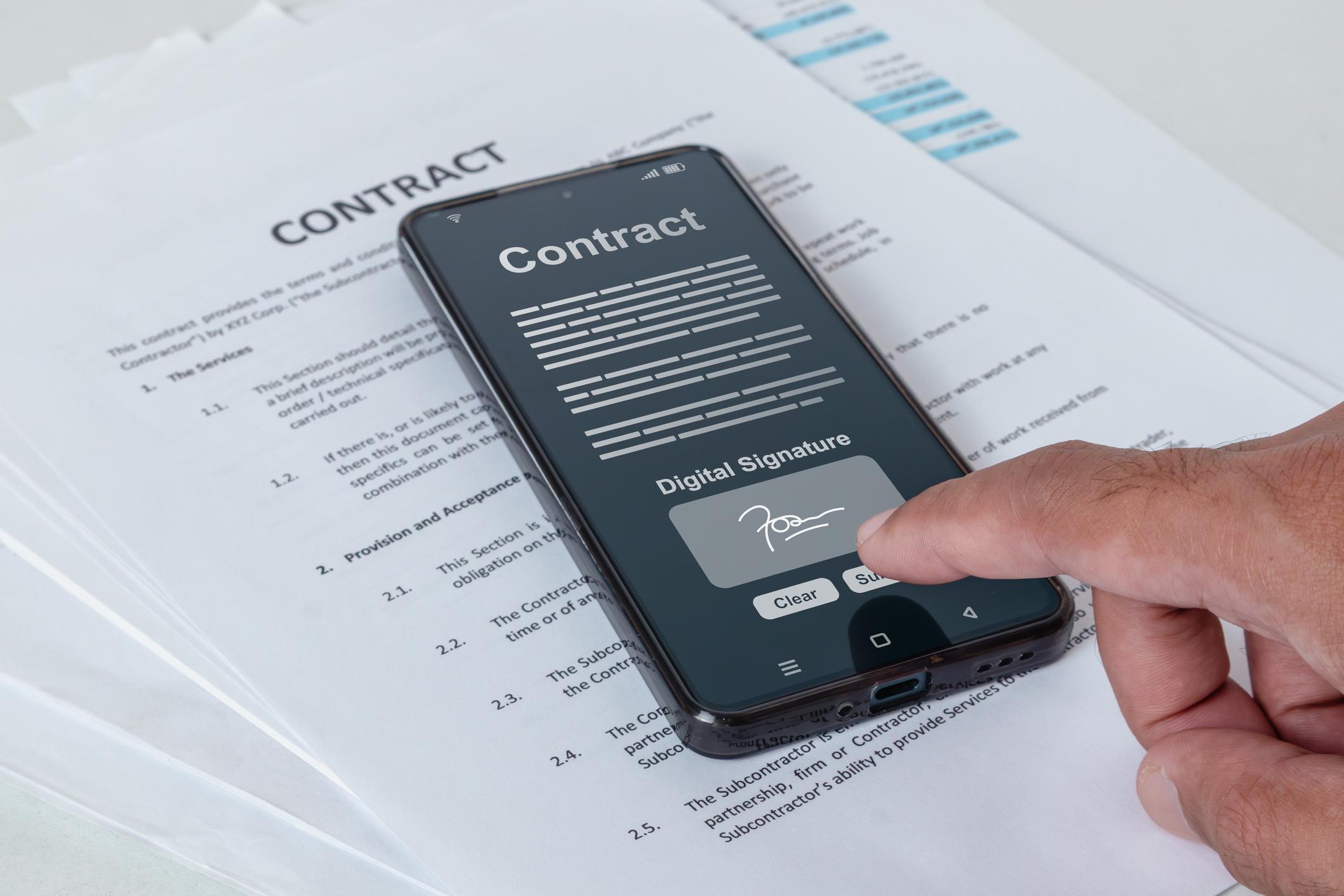
If you live or work in the UAE, you have probably heard of the UAE PASS digital signature. It lets you sign official documents from your phone instead of using a pen and paper. This guide breaks down how it works in plain, easy language.
What Is UAE PASS?
UAE PASS is the country’s official digital identity app. It is linked to your Emirates ID and lets you log into government and private services with one secure account. Beyond logging in, it also allows you to sign documents digitally with legal recognition across the UAE.
How the UAE PASS Digital Signature Works
The UAE PASS digital signature ties your identity to every document you sign. Because your account is verified through your Emirates ID, the signature carries strong legal weight under UAE law. This makes it different from a simple typed name or scanned signature.
Many private companies also connect their own signing platforms to UAE PASS. This means you might sign a work contract or a real estate agreement through a third-party website, but the actual verification still happens through your UAE PASS account.
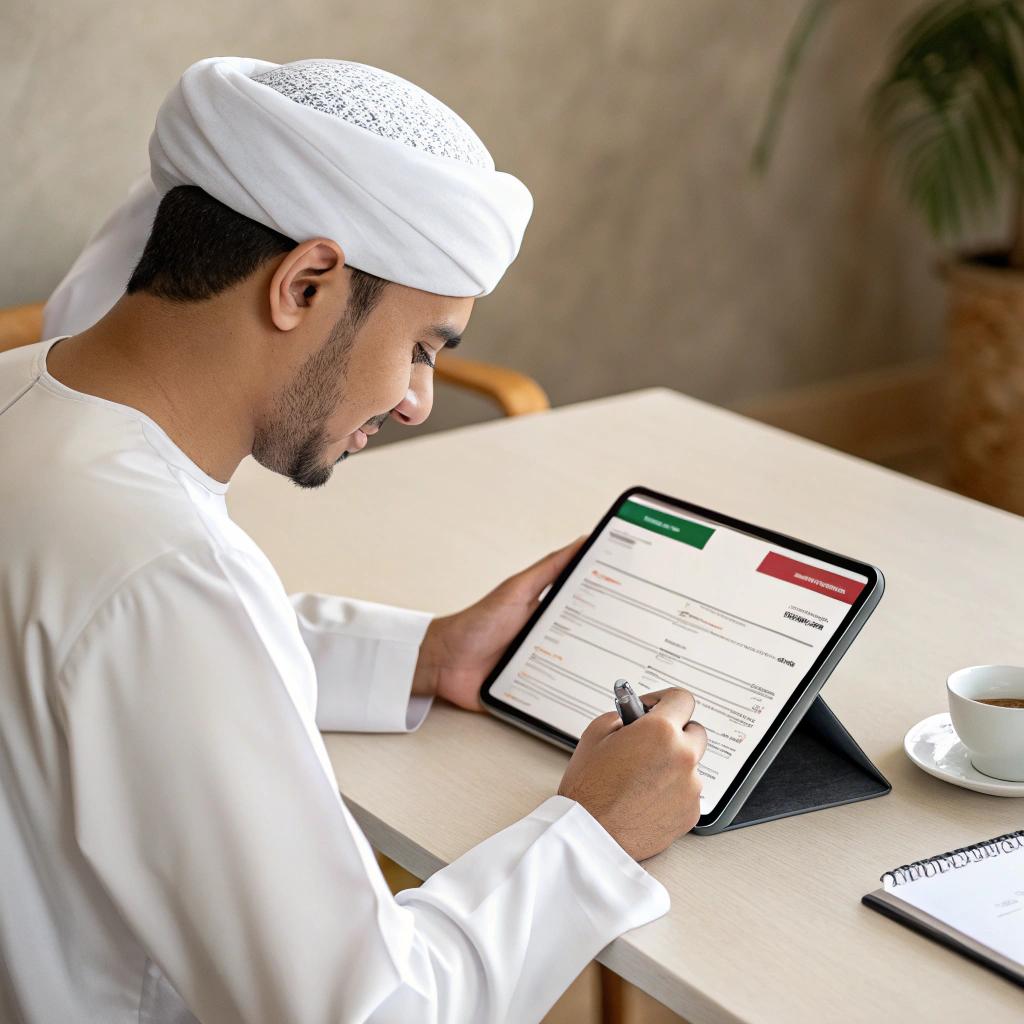
How to Sign a Document Using UAE PASS
The exact steps may vary depending on the government entity, bank, employer, or service provider. However, the overall process is usually similar.
Step 1: Access the document. Open the document through the website, mobile app, or digital platform that supports UAE PASS digital signatures. In many cases, the organization requesting your signature will provide a secure link or prompt to begin the signing process.
Step 2: Choose the digital signature option. When prompted, select the option to sign the document using UAE PASS. The platform will redirect you to the UAE PASS app or request approval through your verified UAE PASS account.
Step 3: Verify your identity. Confirm your identity using your UAE PASS credentials. Depending on your device and account settings, this may involve entering your PIN or using biometric authentication such as fingerprint or facial recognition.
Step 4: Review and approve the document. Carefully review the document before signing. Once you approve it, your UAE PASS digital signature is securely applied, confirming your identity and consent.
Step 5: Receive the signed document. After the signing process is complete, the document is usually returned to the requesting organization automatically. Depending on the platform, you may also be able to download or keep a copy for your records.
Digital Signature vs Electronic Signature: What’s the Difference?
People often use these two terms as if they mean the same thing, but they are not identical. An electronic signature can be as simple as typing your name at the bottom of an email or drawing your signature on a screen, with no strong identity check behind it.
A digital signature, like the one UAE PASS provides, is different because it uses encryption and identity verification tied to your Emirates ID. This makes it much harder to fake and gives it stronger legal standing in official and business transactions.
Practical Uses of UAE PASS Digital Signature
Government forms: Many government departments now accept UAE PASS signatures for applications, renewals, and official requests, cutting down on physical visits.
Banking: Some UAE banks use UAE PASS for identity checks during account opening and related paperwork.
Employment: Employers and employees can sign work-related documents digitally, and some labor filings through MOHRE require UAE PASS authentication.
Real estate: Property agreements and related documents can be signed digitally, saving time for buyers, sellers, and agents.
Education: Some educational institutions accept UAE PASS for verifying student documents and applications.
Business documents: Companies use UAE PASS to sign contracts, trade license paperwork, and other official business documents without printing anything.
FAQ
1. Is the UAE PASS digital signature legally valid?
Yes, it is recognized under UAE electronic transactions law and accepted by government and private entities.
2. Do I need to visit an office to use UAE PASS digital signature?
No, the entire process happens through the app or website, so no physical visit is required.
3. Can visitors use UAE PASS digital signature?
UAE PASS is mainly for UAE citizens and residents with a verified account. Some visitors can create a UAE PASS account for limited services, but digital signing usually requires identity verification linked to a valid Emirates ID.
4. Is my document safe after signing with UAE PASS?
Yes. UAE PASS uses encryption and secure identity verification to protect your digital signature. After signing, you can download or share the signed document, and its authenticity can be verified when supported by the receiving service.
5. Can I use UAE PASS digital signature for all documents?
No. You can only use a UAE PASS digital signature on documents and services offered by organizations that support UAE PASS integration. While many UAE government entities and an increasing number of private companies accept it, some organizations may still require a handwritten signature or use a different digital signing platform.
Conclusion
The UAE PASS digital signature makes everyday paperwork faster, safer, and completely paperless. Whether you are signing a government form, a work contract, or a property agreement, it saves you time and hassle. For the most accurate and updated information, always use the official UAE PASS app or website when signing important documents.
Official Resources
- UAE PASS Official Website
https://www.uaepass.ae/ - Download UAE PASS (Google Play)
https://play.google.com/store/apps/details?id=ae.uaepass.mainapp - Download UAE PASS (Apple App Store)
https://apps.apple.com/ae/app/uae-pass/id1377158818 - UAE Government Portal – UAE PASS
https://u.ae/en/information-and-services/justice-safety-and-the-law/digital-identity