
Opening a Bank Account in Dubai Islamic Bank Online
Opening a bank account can be a daunting task, but with the convenience of online banking, it has never been easier. Dubai Islamic Bank (DIB) allows customers to open a new account from the comfort of their homes. In this article, we will guide you through the process of opening a new account with Dubai Islamic Bank online. Also providing you with step-by-step instructions and helpful tips along the way.
Requirements for Opening a New DIB Account
Before beginning the account opening process, it’s important to note that there are certain requirements that must be met. Firstly, in order to open a savings account with Dubai Islamic Bank, all individuals must be at least 18 years of age. For the current account, the minimum age requirement is 21. Additionally, in order to complete the account opening process online, you must have an original Emirates ID and passport with a valid UAE visa. With these requirements met, the account opening process should only take 12 to 15 minutes to complete. And it is a quick and easy process for anyone looking to open a new account with Dubai Islamic Bank.
Also Read: How to Check If You Have a Travel Ban in UAE
Step-by-Step Guide to Opening a Dubai Islamic Bank Account Online
Opening a new account with Dubai Islamic Bank online is a simple process that can be completed in just a few easy steps. Here’s a step-by-step guide to help you through the process:
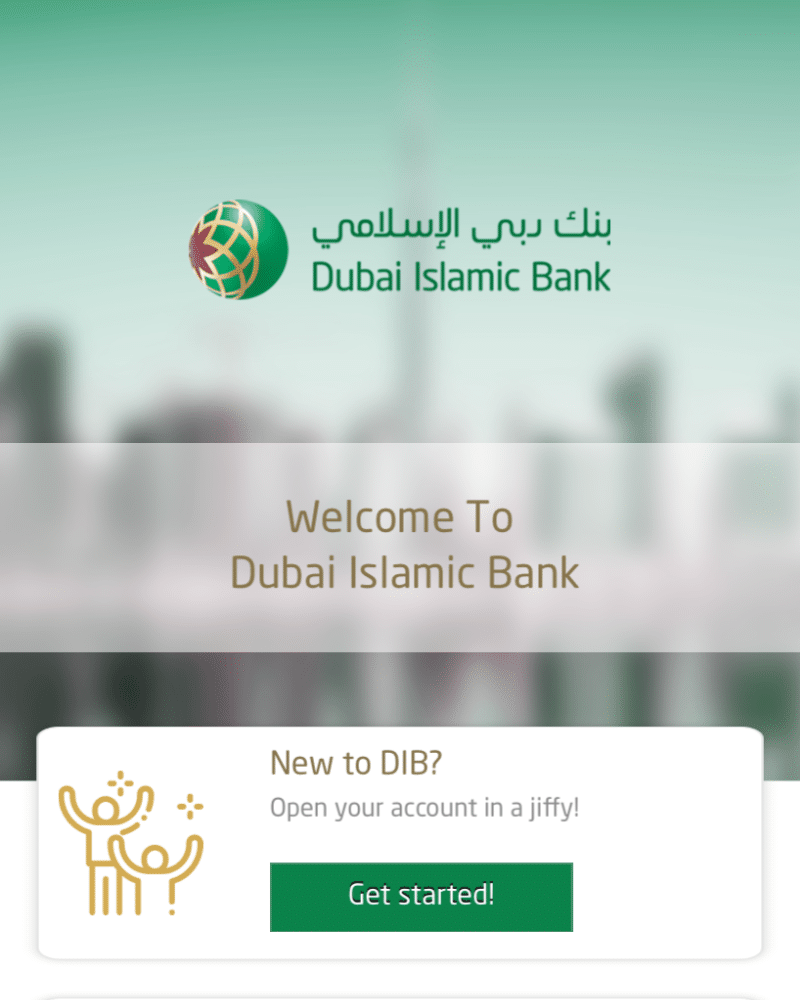
- Download the DIB Mobile App: The first step in opening a new account with Dubai Islamic Bank online is to download the DIB Mobile App. You can find the app on the App Store or Google Play, or you can visit the DIB website at www.dib.ae/app to download it directly.
- Scan your documents and take a selfie: Once the app is downloaded, you will need to scan your Emirates ID and passport, as well as take a selfie. These documents and a photo are required to verify your identity and open the account.
- Fill in your details: Next, you will need to fill in your personal details, including your name, contact information, and other necessary information. Make sure to double-check all of the information you have provided to ensure that it is accurate.
- Submit your application: Once you have completed all the above steps and reviewed your information, you can submit your application.
After completing all the above steps, your Dubai Islamic Bank online banking login will be active, and your account will be activated within two business days. You will receive your welcome pack and debit card in the mail within two business days.
Conclusion
In conclusion, opening a new account with Dubai Islamic Bank online is a quick and easy process. By following the steps outlined in this guide, you can have a new account set up and ready to use in just a few minutes. From downloading the DIB mobile app, scanning and uploading your documents, filling in your personal details, and submitting your application, the process is straightforward. With the convenience of online banking, you can open a new account with Dubai Islamic Bank from the comfort of your own home. Additionally, with the account activation and receiving of debit card/welcome pack within 2 working days, it’s a fast and efficient way to start your banking journey with DIB.
Also Read: